After a CTERA InsightAI license has been purchased and the global administrator has configured CTERA InsightAI, you connect to it from within the portal.
| Version | As a global administrator, from the global administration view | As a team administrator, from the team administration view |
|---|---|---|
| 8.3.x | 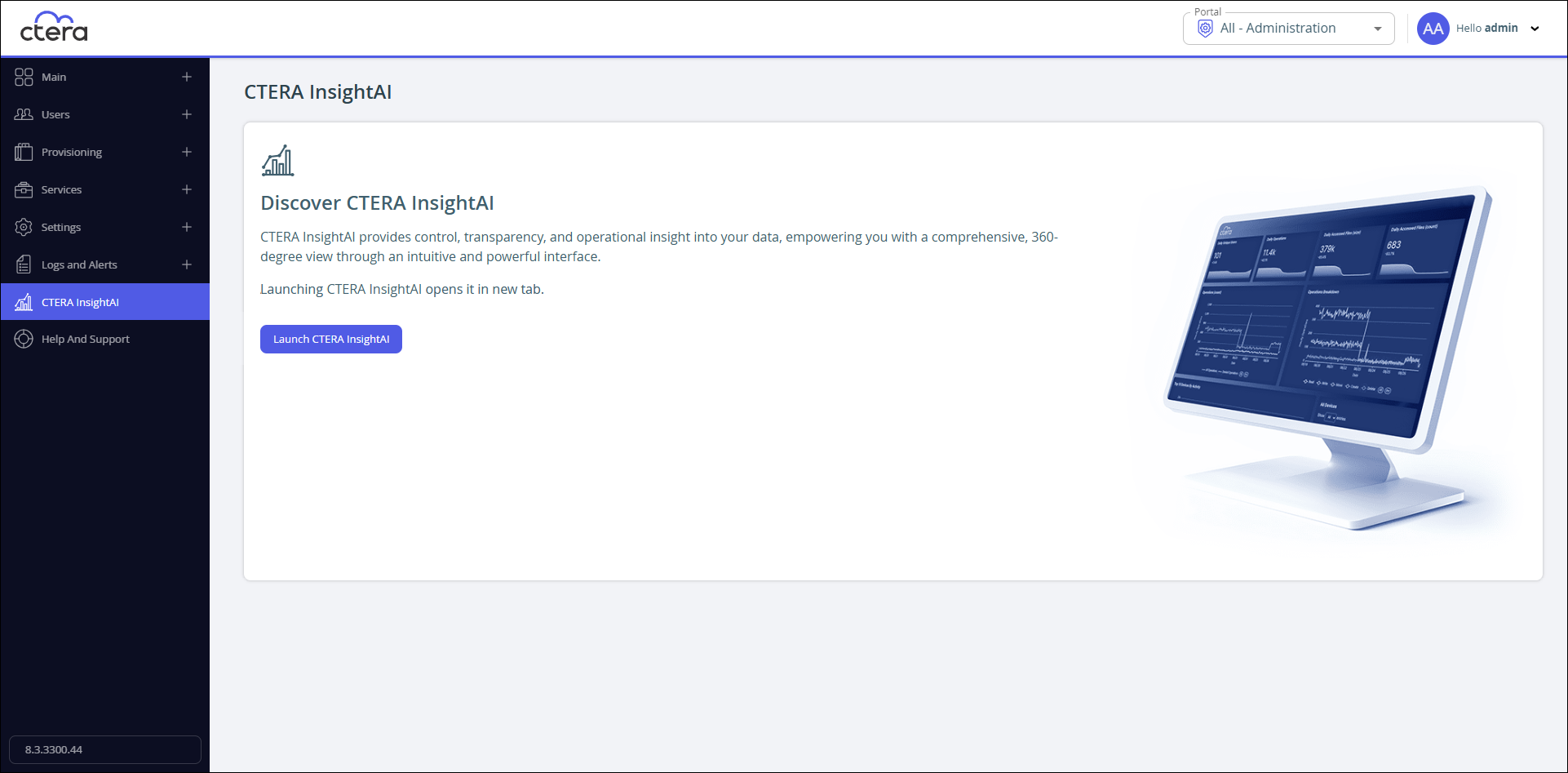 |
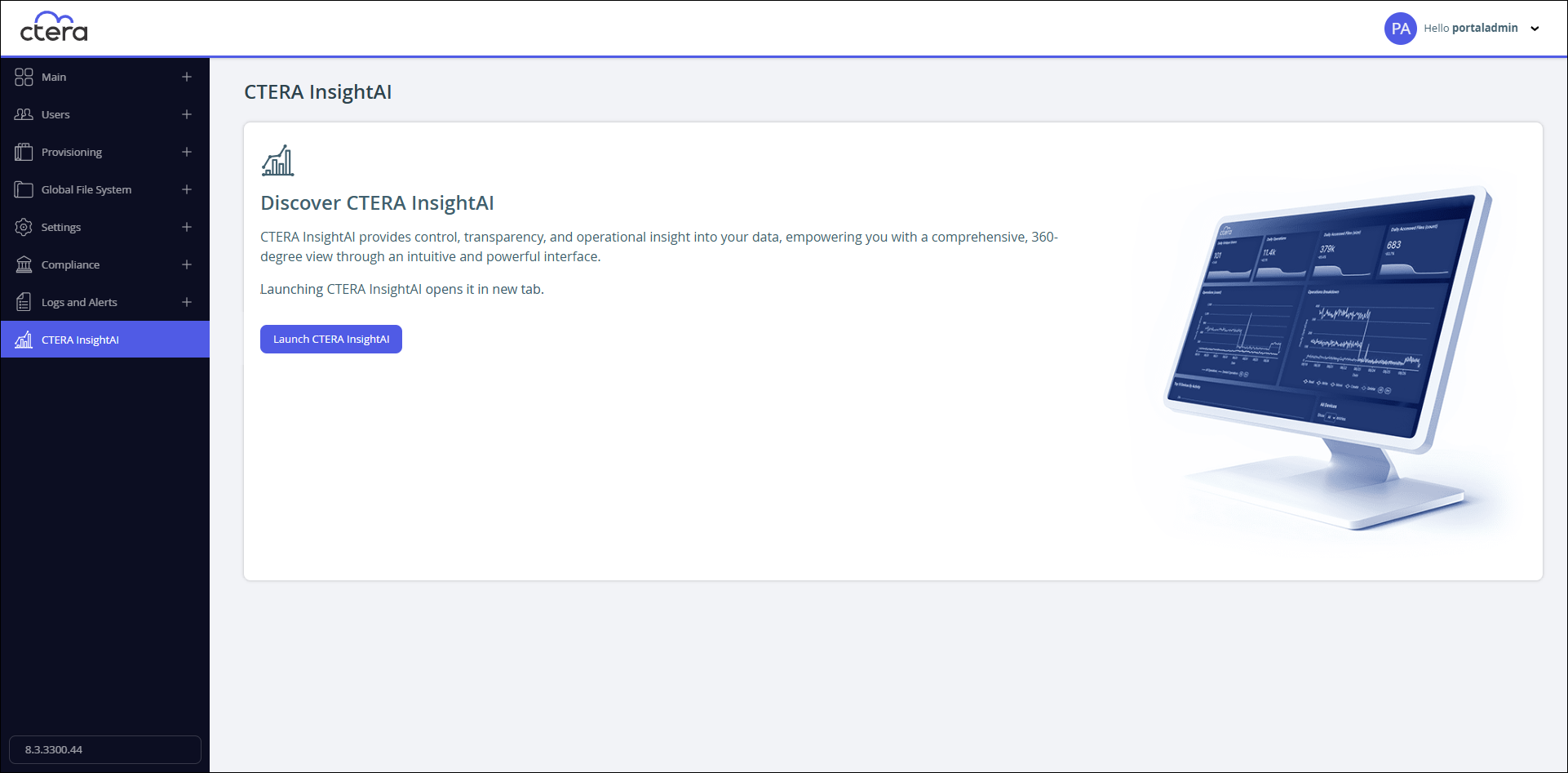 |
| 8.4.x | 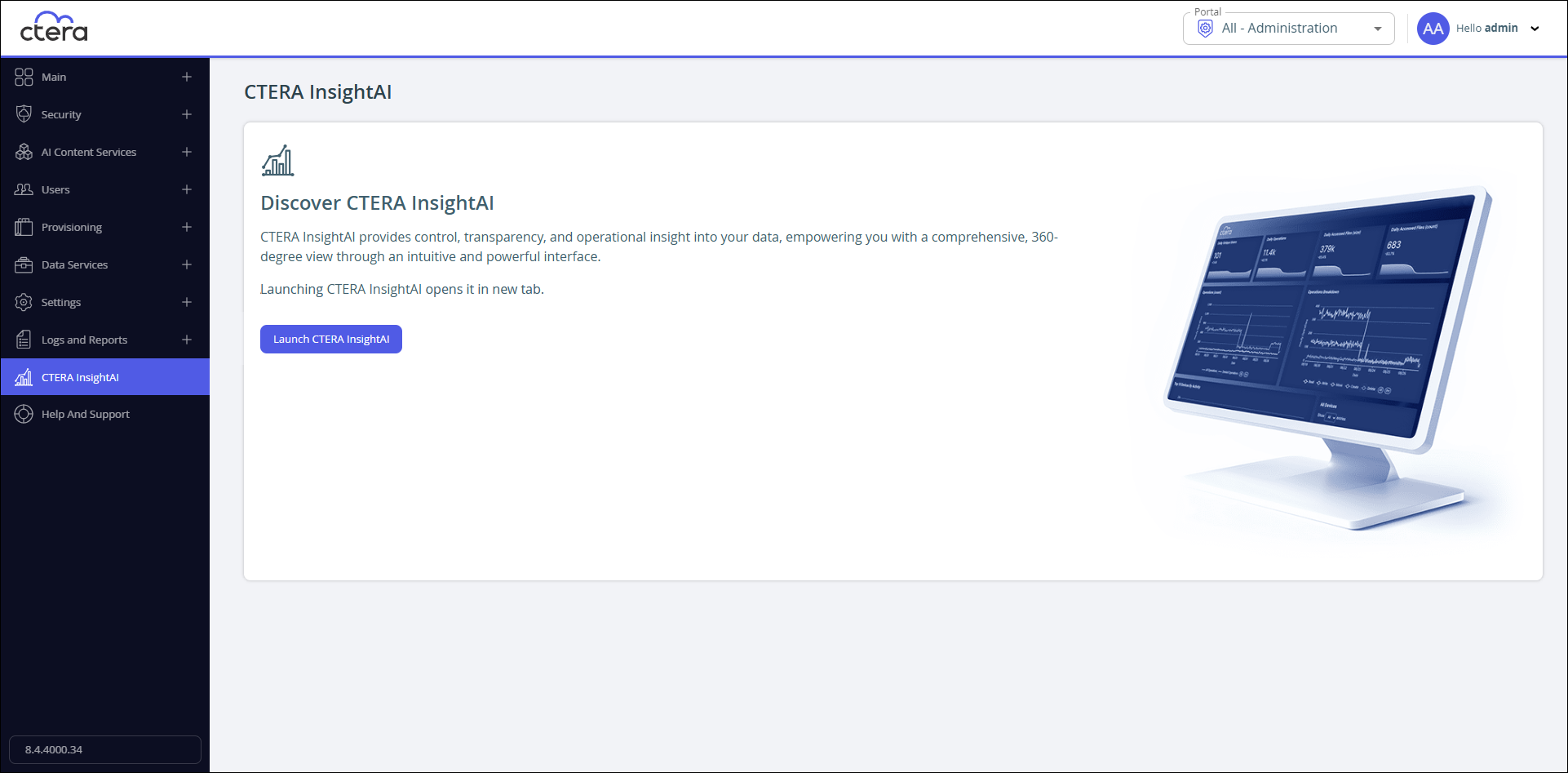 |
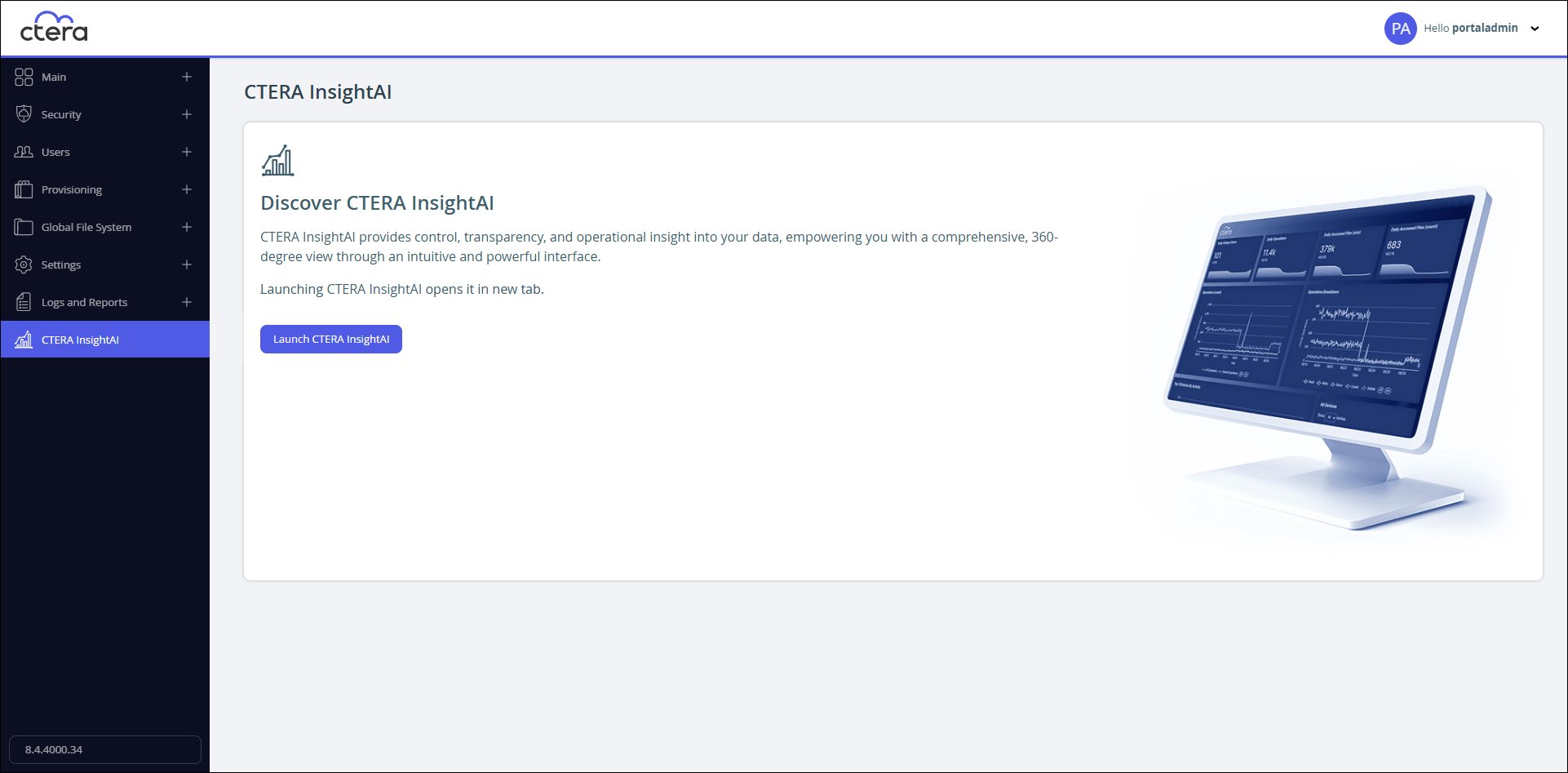 |
Click Launch CTERA InsightAI.
CTERA InsightAI is displayed in a new browser tab.
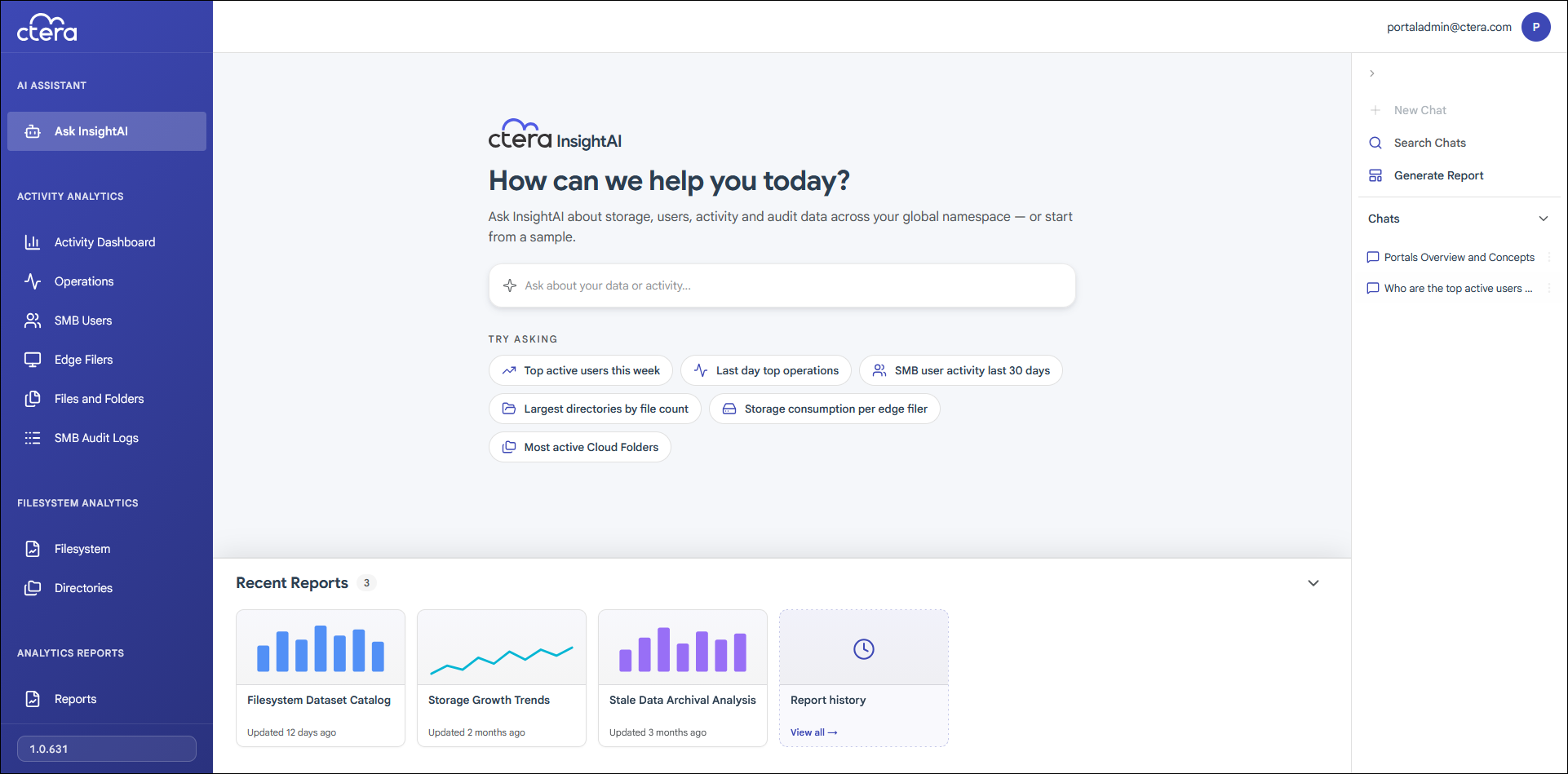
Signing Out of CTERA InsightAI
- Click the avatar at the top right, or your initials, if you have not yet configured an avatar, and select Sign out.
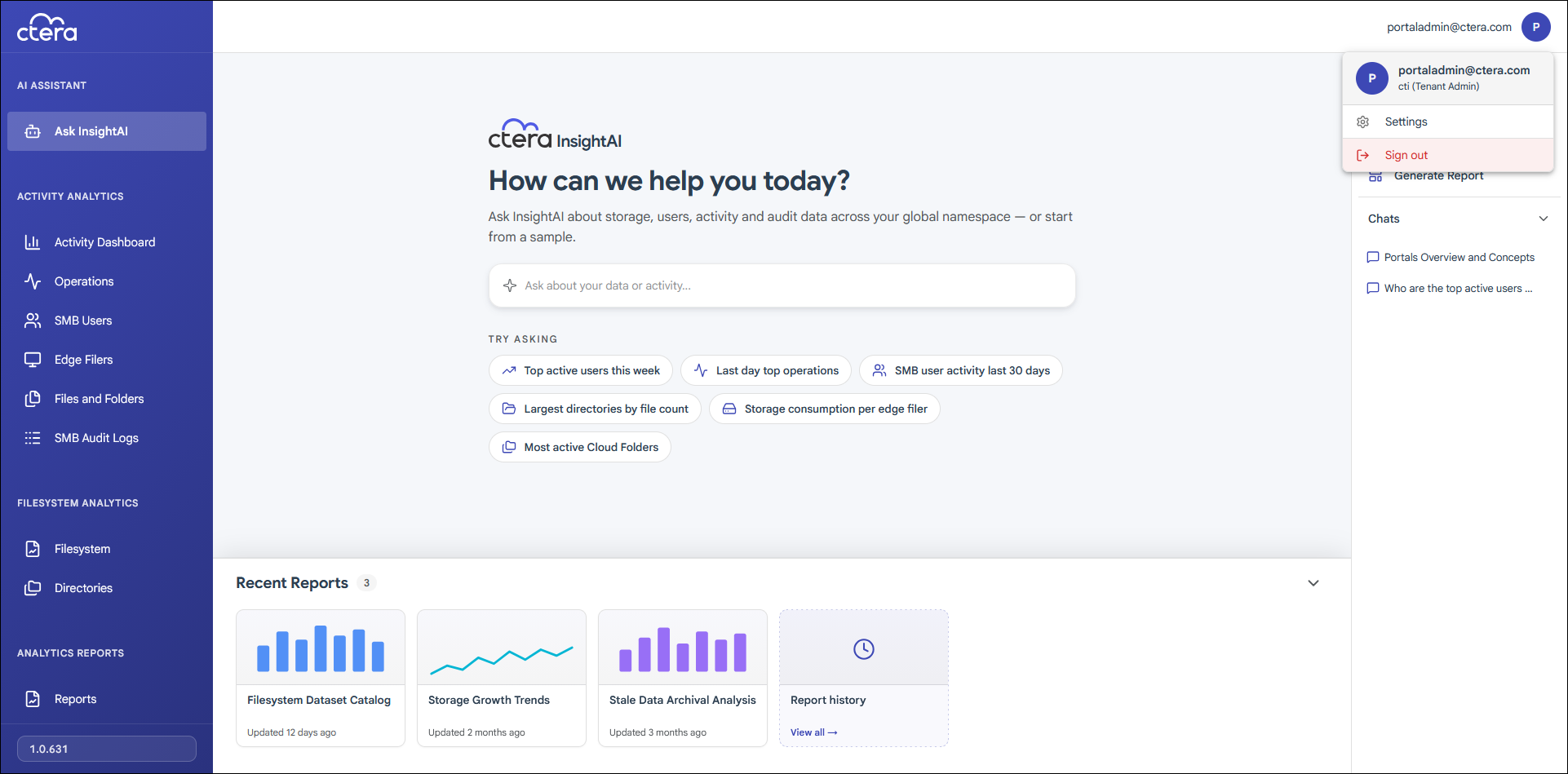
You are signed out. The sign out screen shows you that the session has expired.
Note
If CTERA InsightAI is not used for more than 60 minutes, it times out.